Example · Instructor-built
Campus Designer
Webpages, slides, and documents that follow Duke’s public brand guidelines.
Overview
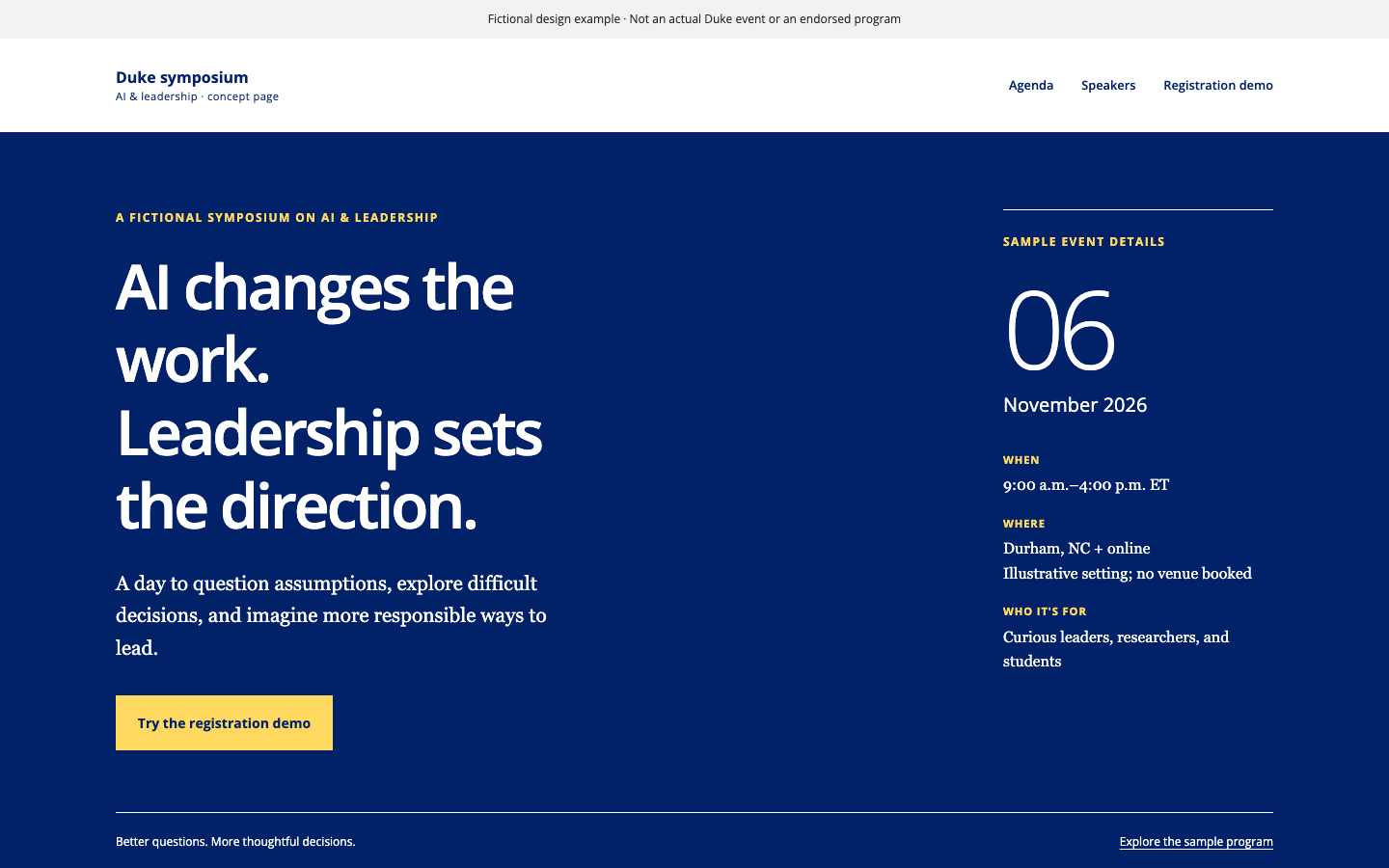
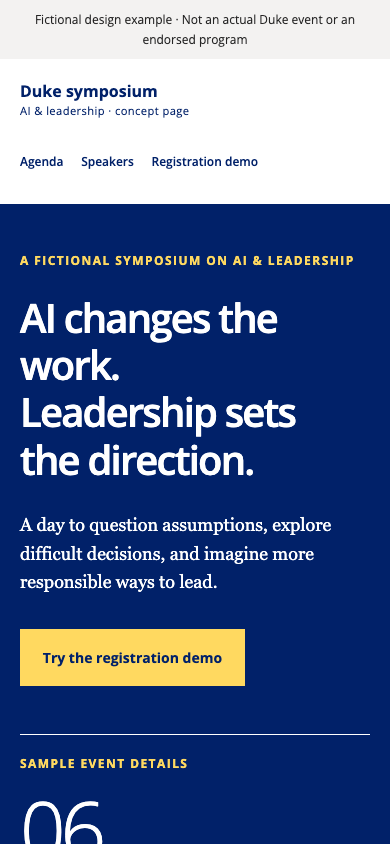
Campus Designer gives an AI agent working knowledge of Duke’s published brand guidelines: the color palette with checked contrast pairings, the recommended typefaces, layout guidance for webpages, presentations, and documents, and a review checklist. Ask for an artifact and the agent designs it to the guidelines, then reviews the result before handing it back.
Try asking
Use campus-designer to build a one-page website for our spring symposium on AI and leadership. Use the agenda and speaker bios I’ve attached, add a registration button that links to our sign-up form, and make sure it looks good on phones.
Who it’s for
Anyone who produces webpages, slides, or documents that should follow Duke’s public brand guidelines, without a designer on hand. The guidance is spread across many pages of the brand site; this plugin packages it in one place for an agent to consult.
Evidence
- Example pages passed independent review
- 3 of 3
- Defects caught in review and fixed
- 5
On October 2, 2026, three fictional pages (an event, a research initiative, and a student organization) were built with this skill and checked by separate reviewers in Chrome at desktop and phone widths, including 320px reflow, enlarged text, and keyboard use. Each page passed after one or two rounds of fixes. This is a design review, not an accuracy benchmark or accessibility certification.
Limits
Includes licensed local EB Garamond/Open Sans files, but no production logos, photography or creation/rendering tools. It covers one brand guide, not brands in general. It grants no permission to use Duke marks and is not an official Duke tool.